 Vano
VanoFrom signing up to the first school run
Two sides of one system. Here is exactly what happens on each, and where the gates are.
Prefer to watch? Here is the whole thing in a few minutes.
For parents
None of this is gated behind a payment.
Sign in with OTP
Choose the parent side, enter your mobile number, and verify the code. There is no password to remember or reset.
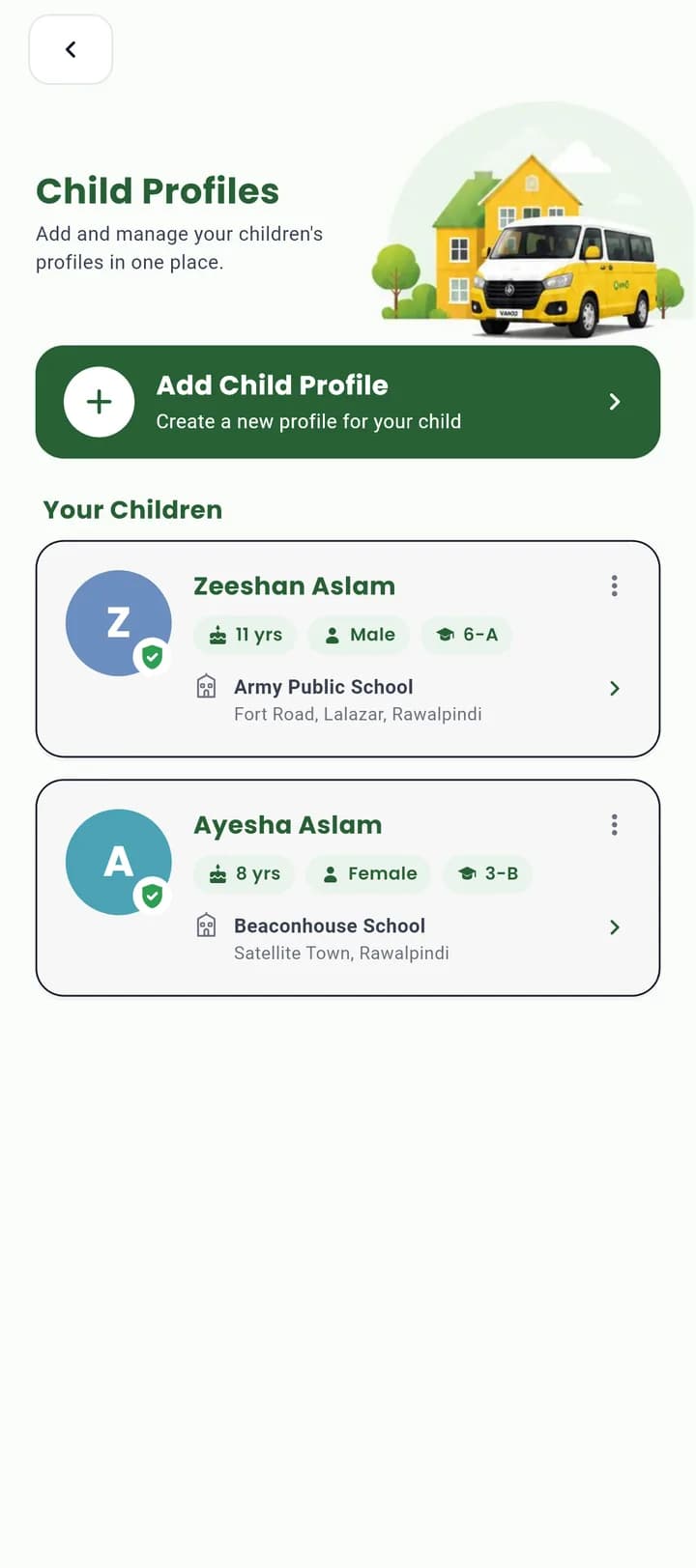
Add child & school
Name, gender, age, class and photo per child. Then the school — searched by name, confirmed with a pin on the map — with separate timings for Monday–Thursday, Friday and Saturday.
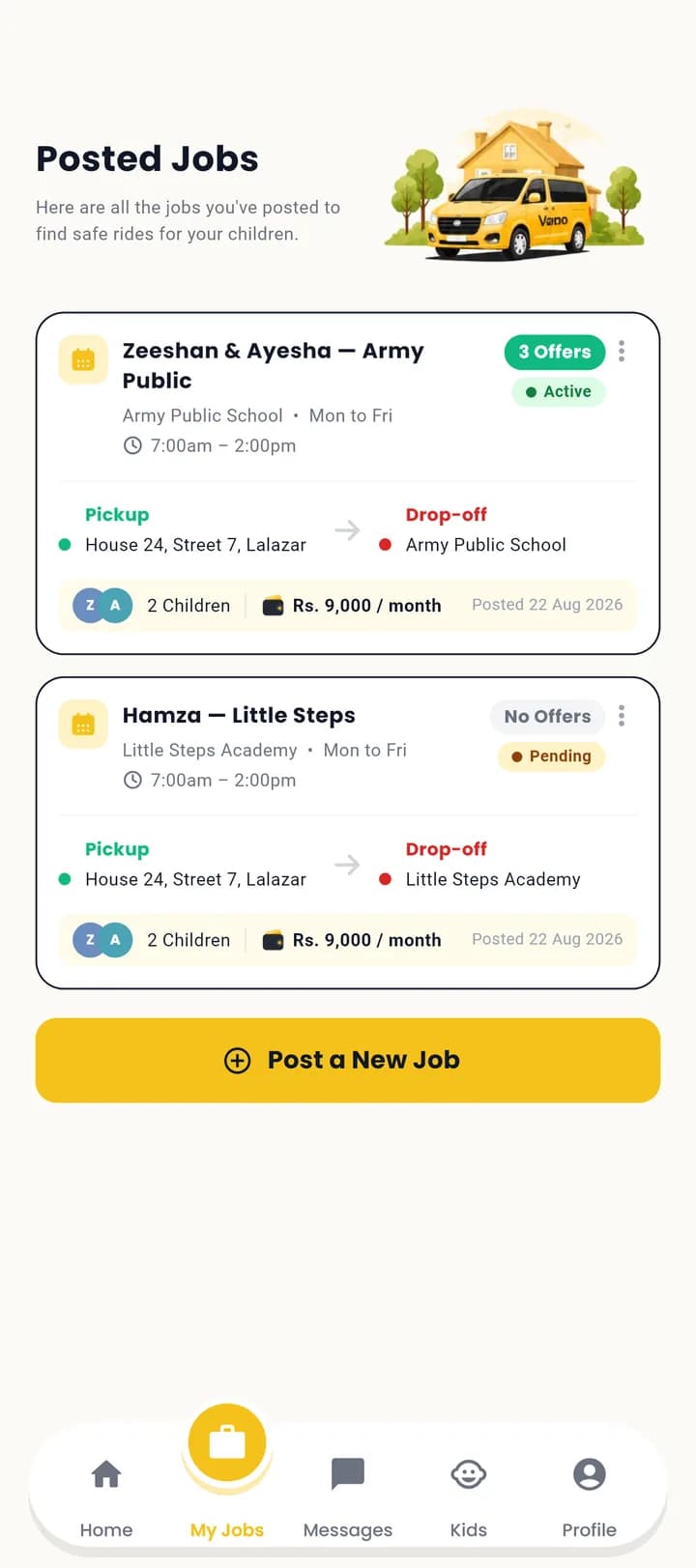
Post the route
Which children travel together, pickup and drop-off, the days, the times and your monthly budget. Approved drivers whose areas cover you are notified.
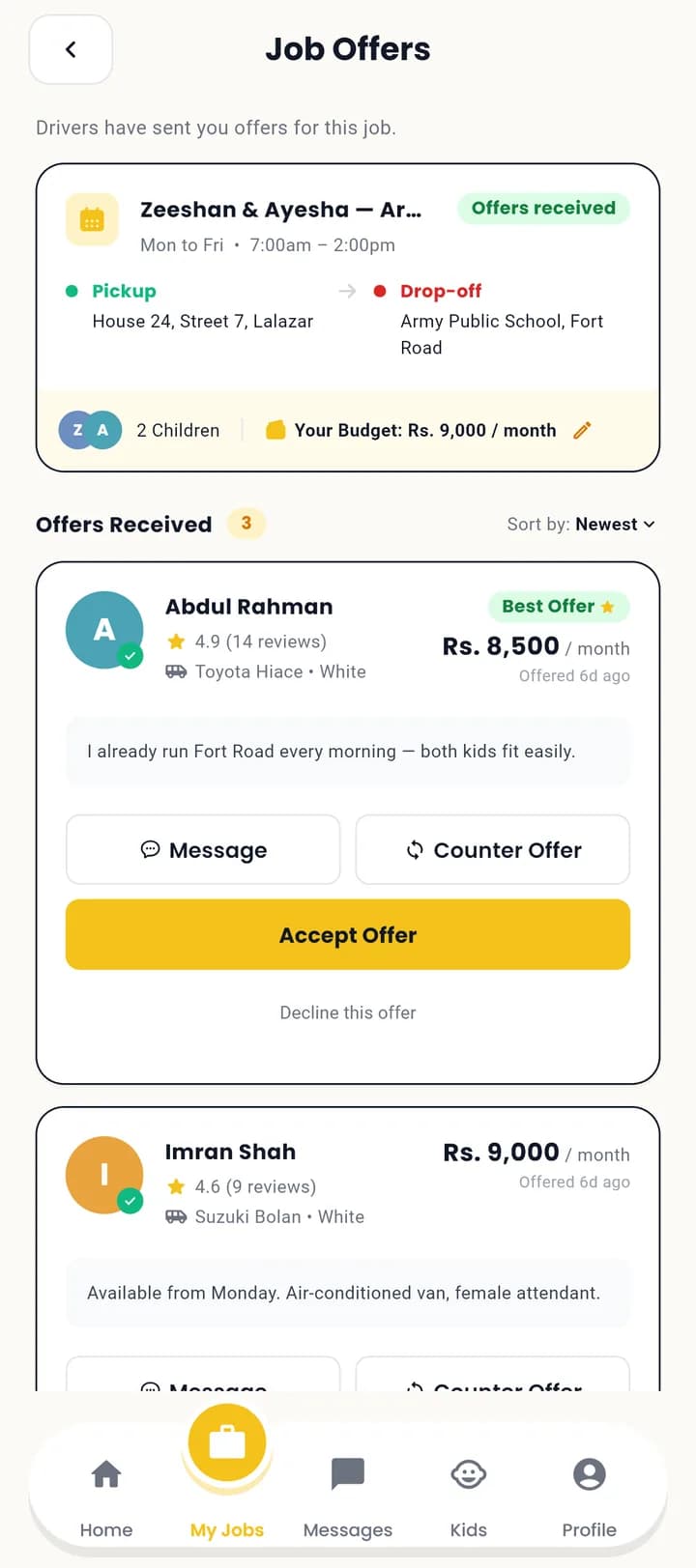
Pick your driver
Offers arrive with a price and a message. Compare the vehicle, the rating and the reviews, chat, send a counter-price — then accept one.
For drivers
Free at every step — Vano charges drivers nothing.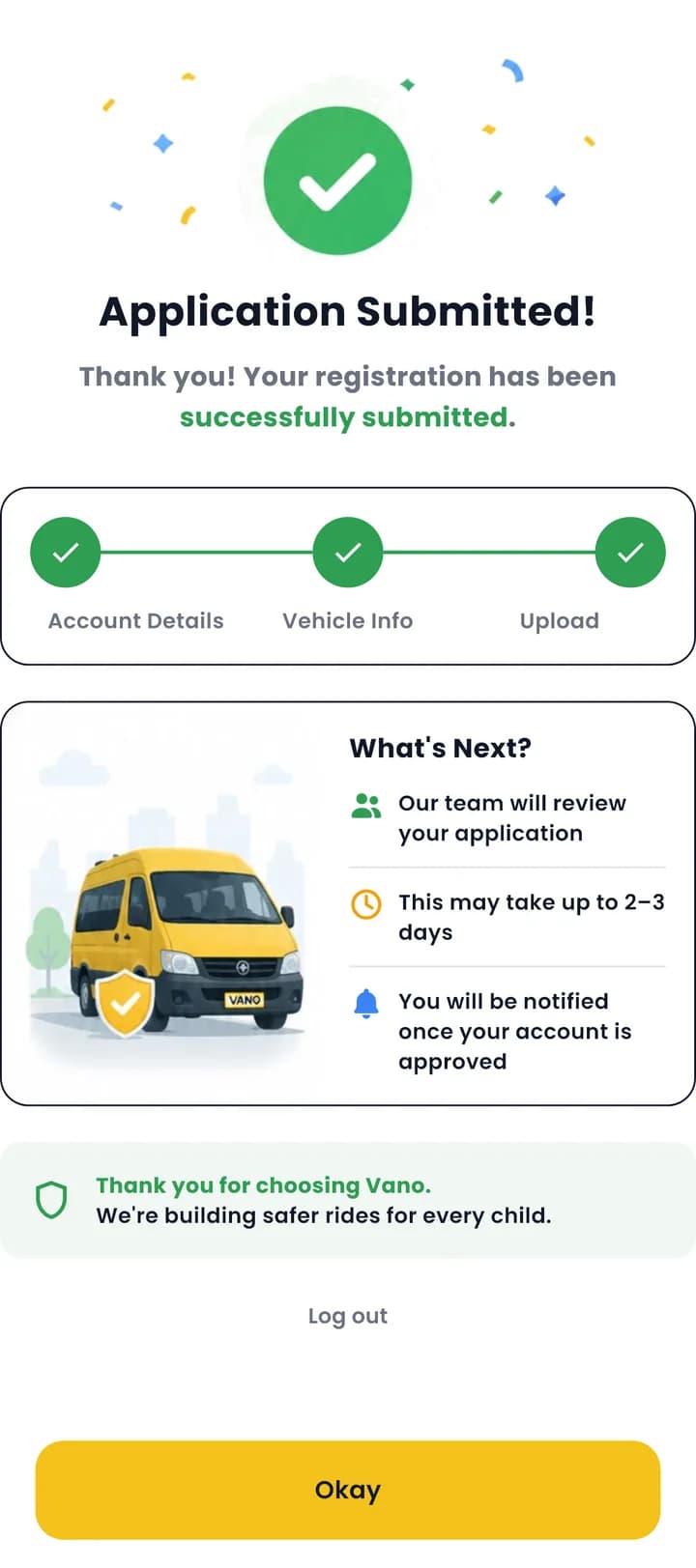
Register & submit
Mobile number and OTP, then your details, the van with a number-plate photo, and your CNIC, driving licence and vehicle registration. Each step saves as you complete it.
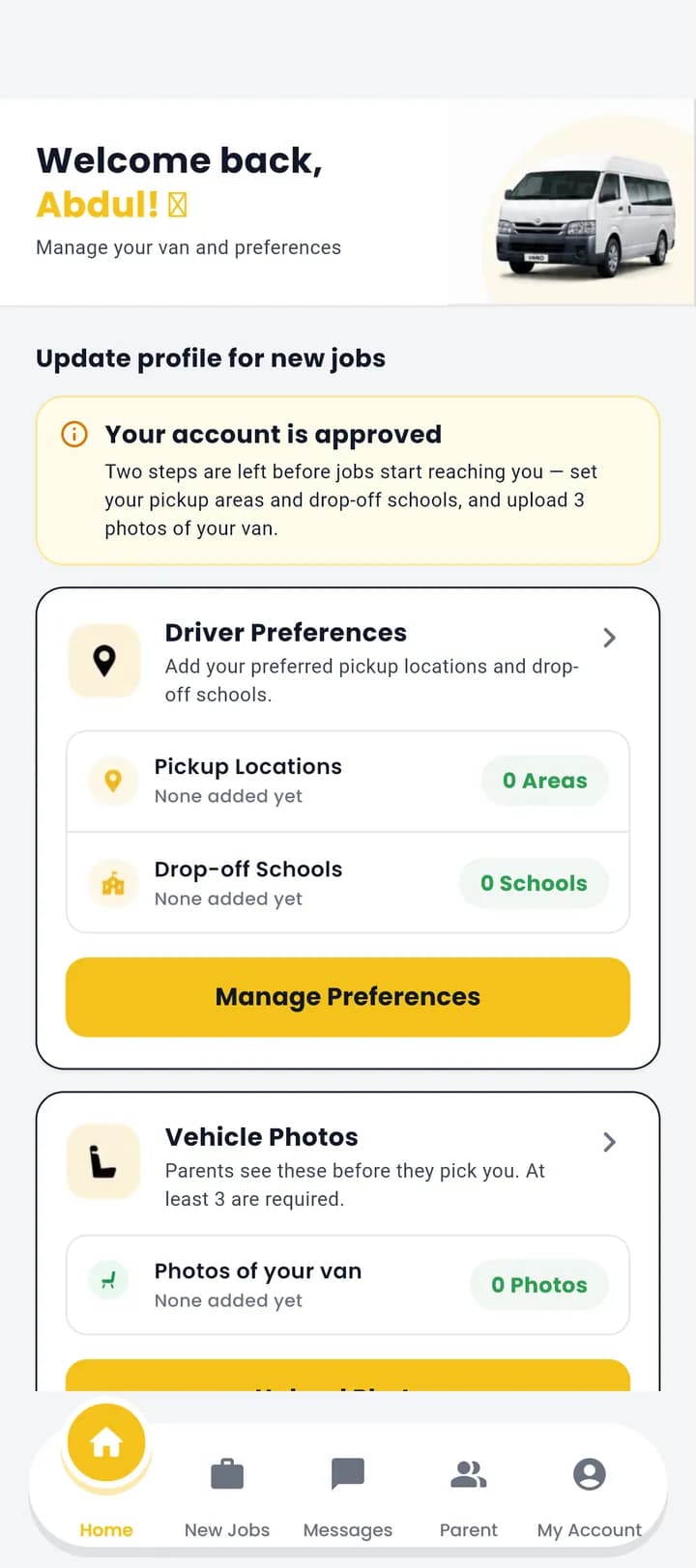
Wait for approval
Your status stays Pending while an admin reads every document by hand. You cannot see any routes yet — that is deliberate, and it is what parents are trusting.
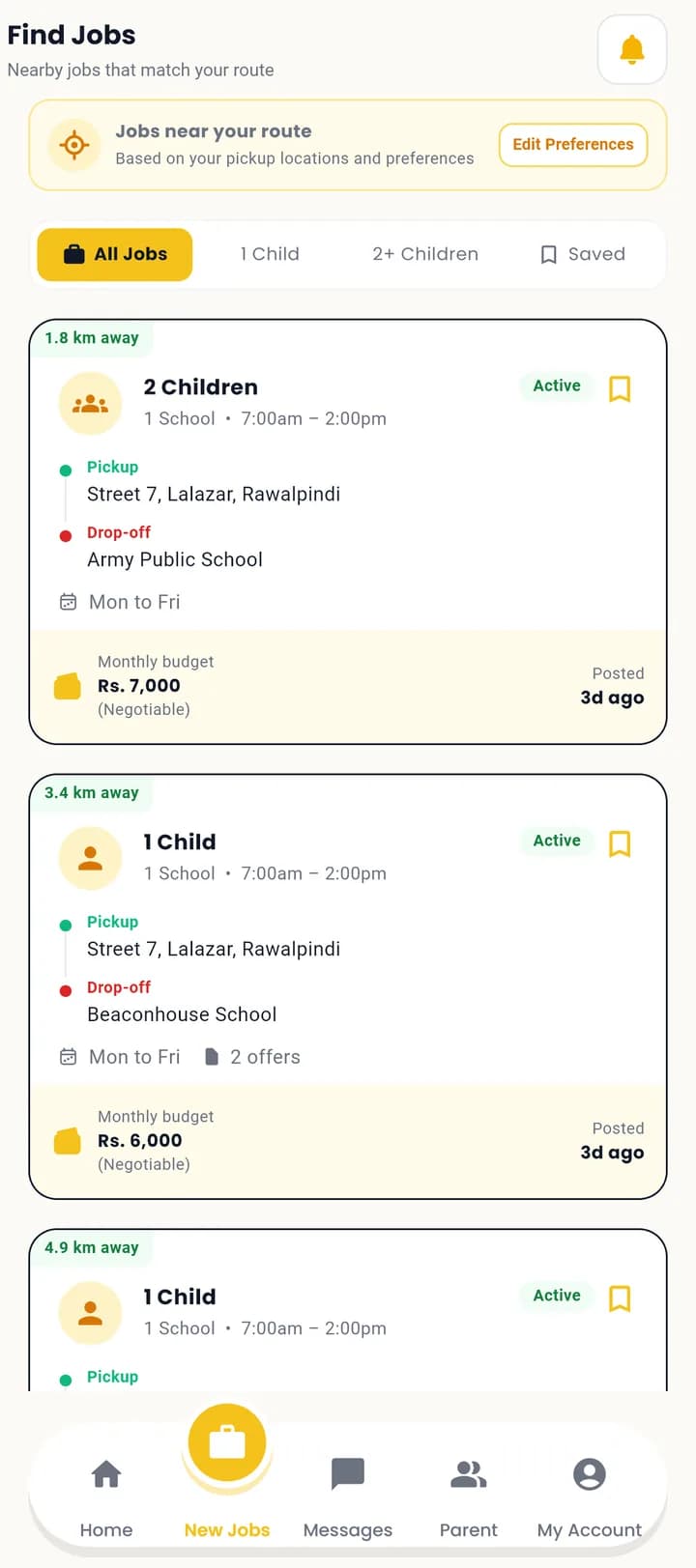
Open the feed
Approved, plus your pickup areas, the schools you serve and at least three photos of the van. Then routes near you appear, with the distance on each.
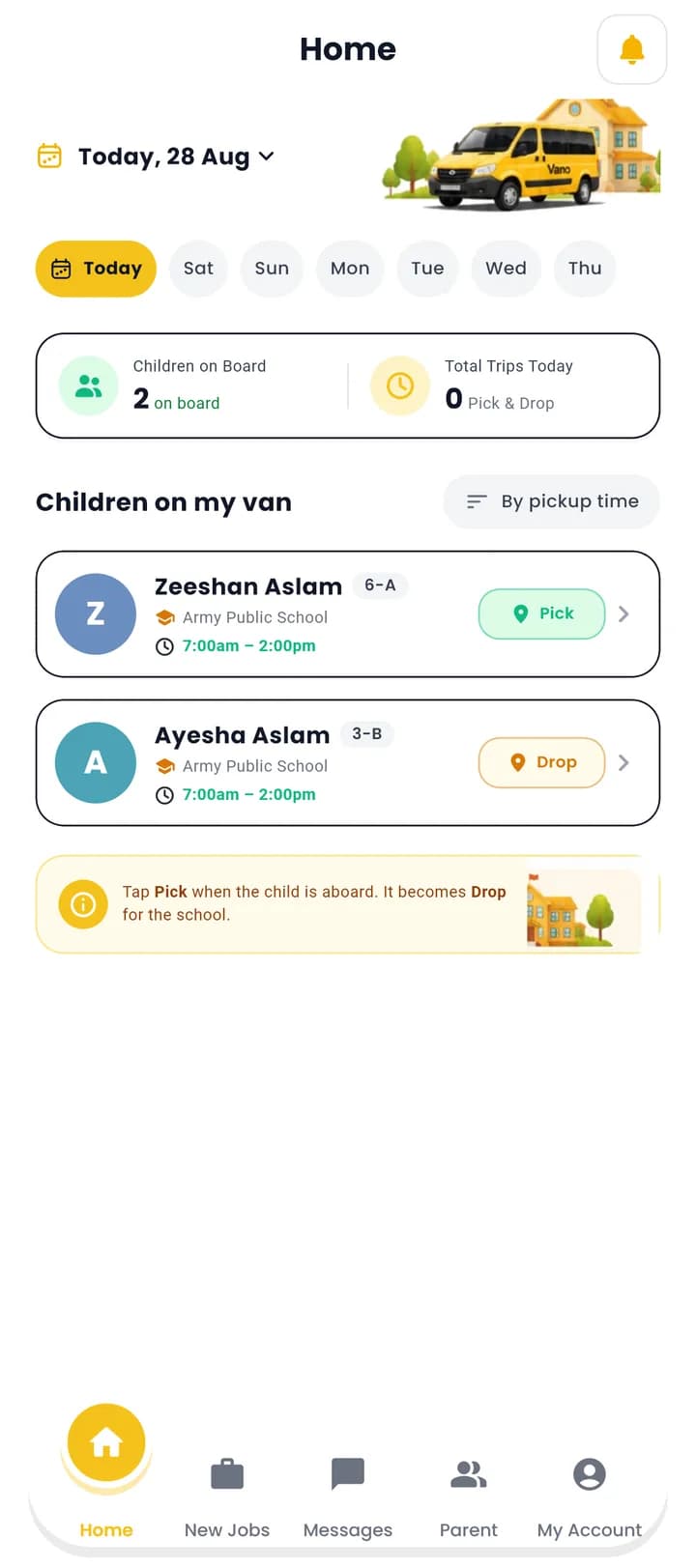
Bid, then drive
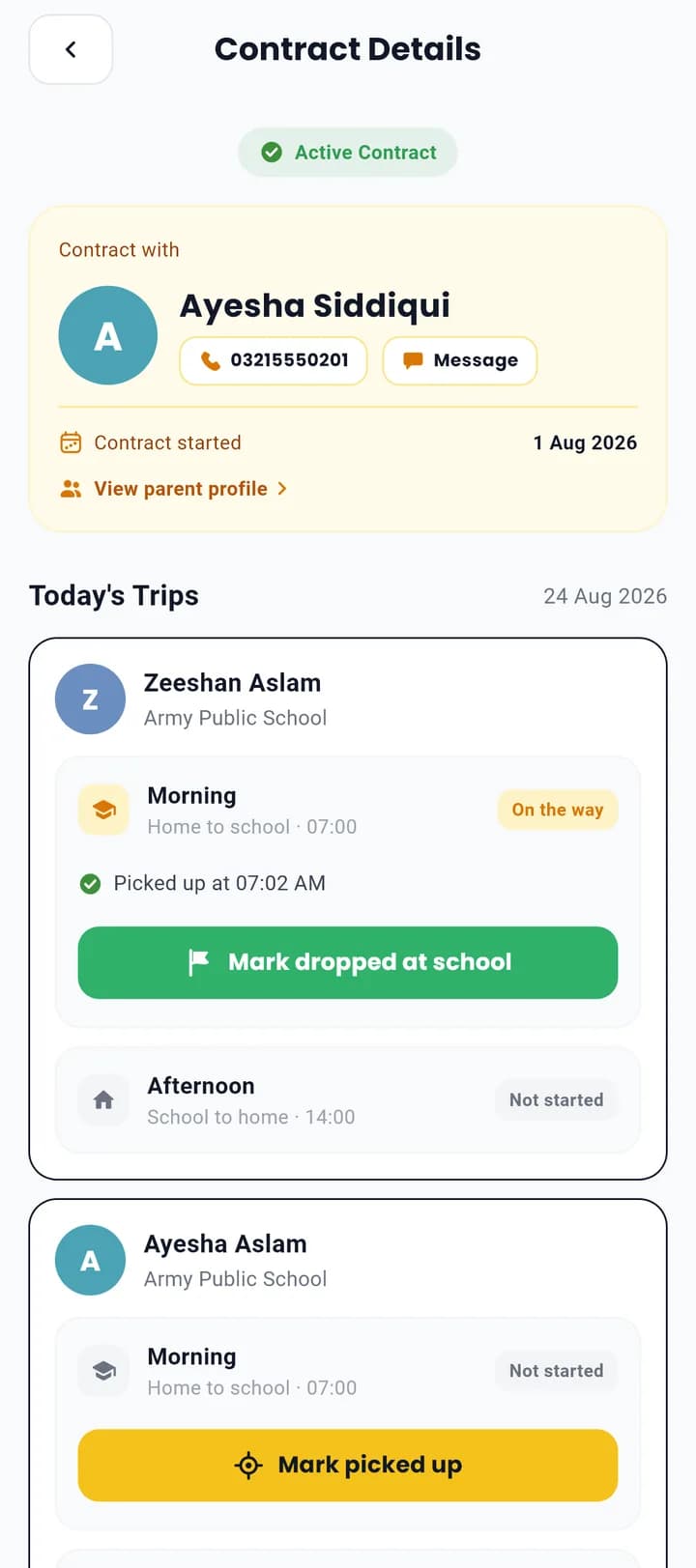
Send your price with a message. Once a parent accepts, your home screen becomes today's run: one button per child that turns from Pick to Drop.
What a contract actually is
Accepting an offer is not a phone-number exchange.
Agreed monthly price
Locked at the figure you accepted, in PKR. Both sides see the same number, and neither can quietly change it.
Named children & schedule
Exactly which children travel, on which days, with the morning and afternoon times.
Daily trip record
Every pickup and drop-off is stamped once and only once, sequenced by the server, on Pakistan time.
Visible to admin
If something goes wrong, our team can see the contract and its trips, and step in.
What happens every morning
- 1The driver taps Pick
Once your child is aboard. The button becomes Drop, and the server will not let the two happen out of order.
- 2You get a notification
Written the moment the tap lands. Two legs a day, per child — home to school, then school to home.
- 3The map goes live
From the first pickup until the last drop-off, Track Van Driver shows the van's last position and when it was recorded.
- 4The day closes itself
Today is resolved on Pakistan time by the server, so a phone with the wrong clock cannot file a trip on the wrong day.